
A remote certification exam can be stopped before the first question appears. A cluttered desk, an unsupported computer, a second monitor, or another person entering the room may be enough to end a session. Online proctored exam rules are not minor technical details. They are the conditions that protect your result, your certification record, and your ability to retest.
For candidates pursuing credentials such as PMP, CISSP, CISA, CompTIA, Cisco, GIAC, CPA, or ACCA certifications, the stakes are high. A score matters, but so does the legitimacy of how that score was earned. Remote delivery is convenient only when the candidate can meet the provider’s security requirements from start to finish.
Why Online Proctored Exam Rules Are Strict
Professional certifications are used by employers to make hiring, promotion, access, audit, and risk decisions. That is why exam providers treat remote testing as a controlled environment, not a casual online appointment. The proctor, testing platform, identity checks, recordings, and behavioral rules all exist to verify that the registered candidate completed the assessment independently.
Rules vary by provider and exam delivery partner, but the basic standard is consistent: the person who registers must be the person who tests, and the exam must be completed without unauthorized help, materials, devices, or communication.
Breaking a rule can lead to more than a canceled appointment. Depending on the program, consequences may include a voided score, loss of exam fees, a retake waiting period, suspension from future exams, revocation of an earned certification, or reporting to an employer or certification body. A fast shortcut can create a long-term career problem.
Identity Verification Comes First
Expect identity checks before the exam begins. Most online-proctored sessions require a current, valid government-issued photo ID that matches the name on your exam registration. If your registration name, ID, and testing account do not match, you may be denied entry.
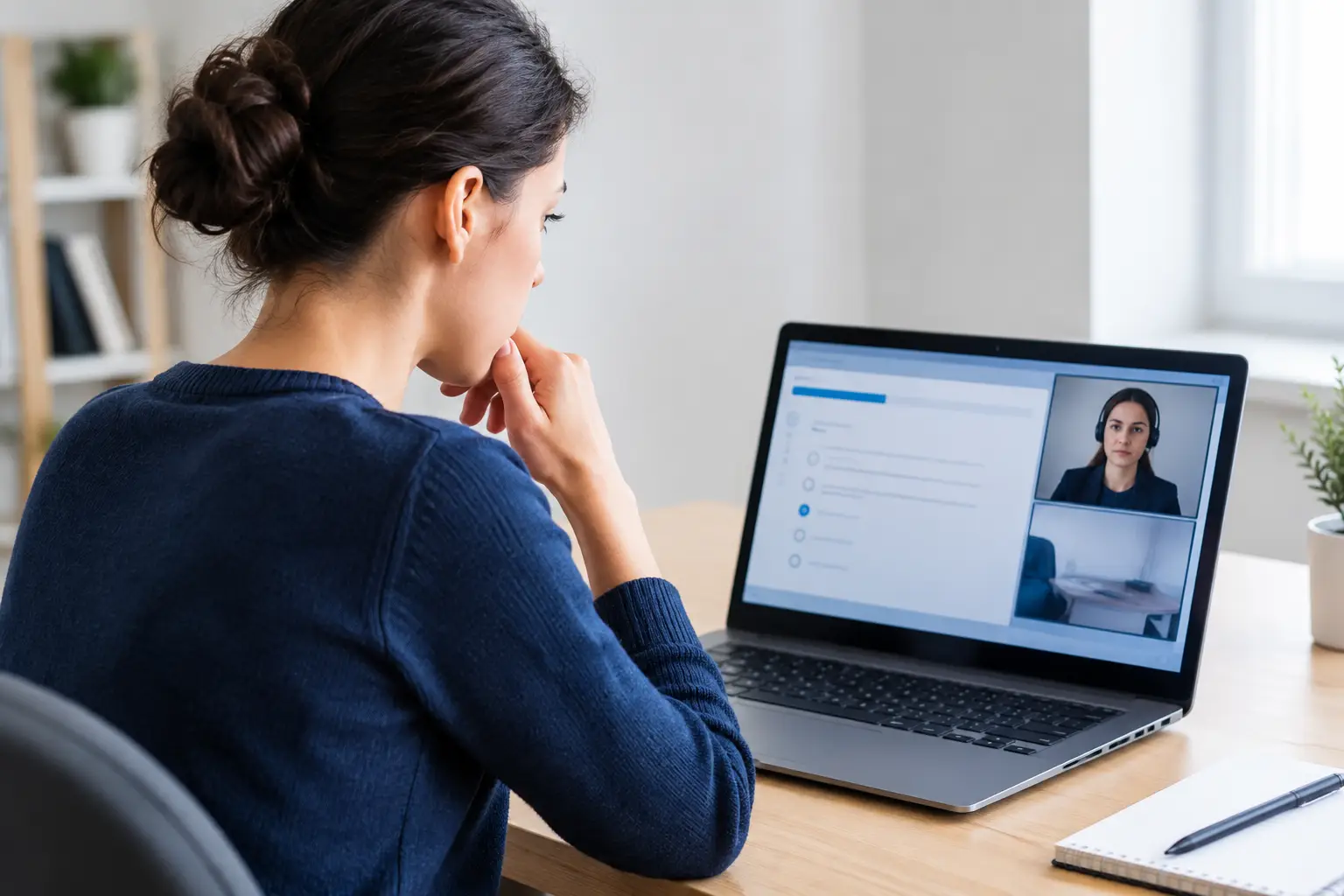
The check-in process commonly includes a live photo, a facial comparison, and a scan of your testing space. The proctor may ask you to show your desk, the area beneath it, nearby walls, your monitor, and sometimes your pockets or eyeglasses. Follow the request directly. Trying to rush the process or refusing a room scan is likely to create an issue.
Use your legal name when registering. If you recently changed your name, confirm the provider’s update process before test day. Do not assume a nickname, missing middle name, expired document, or damaged ID will be accepted.
The registered candidate must test alone
No coworker, friend, tutor, family member, or technical helper may take the exam for you or provide answers. This includes someone sitting off camera, communicating through a phone, using remote-access software, or logging in under your account.
The rule is simple: certification requires your own demonstrated knowledge. A passing result obtained through impersonation or outside assistance is not a valid professional achievement, and exam security systems are designed to detect irregular behavior before, during, and after testing.
Set Up a Compliant Testing Space
A private, quiet room with a door is usually the safest choice. Shared offices, open workspaces, coffee shops, libraries, hotel lobbies, and public areas generally do not meet remote-proctoring requirements. Even if the connection is strong, interruptions and visible bystanders can invalidate the session.
Your desk should contain only items explicitly permitted by the exam provider. Remove notes, books, sticky pads, extra papers, calculators unless approved, headphones, smartwatches, tablets, and phones. Do not rely on putting a phone face down or across the room. Many providers require it to be placed outside the testing area entirely.
A clean space also prevents unnecessary delays. If a proctor sees an item that could be used for reference, they may require you to remove it, repeat the room scan, or end the appointment.
Before check-in, confirm these practical details:
- Your laptop or desktop meets the provider’s operating system, browser, camera, microphone, and internet requirements.
- Your webcam provides a clear view of your face and the room scan can be completed without obstruction.
- All additional monitors are disconnected, not merely turned off, unless the provider has specifically approved them.
- Remote desktop tools, screen-sharing software, virtual machines, recording tools, and unauthorized applications are fully closed or removed.
- Pets, children, coworkers, and household members know not to enter the room during your appointment.
A wired internet connection is often safer than Wi-Fi when available. If Wi-Fi is your only option, test your connection in the exact room you will use. Do not wait until check-in to discover that a wall, router distance, or corporate network restriction affects stability.
What You Can and Cannot Use During the Exam
The exam appointment confirmation and candidate agreement are the final authority. Read them carefully because approved tools differ by program. Some exams provide an on-screen calculator or digital whiteboard. Others may permit a physical whiteboard with strict size and erasing requirements. Some prohibit all personal materials.
Do not bring your own notes because you think you will only use them if necessary. Do not keep a phone nearby for emergencies. Do not wear a smartwatch. Do not use a second screen, hidden earbud, camera, or messaging app. These are not gray areas.
You should also avoid reading questions aloud, whispering, repeatedly looking away from the screen, covering your mouth, or leaving the camera view without permission. These behaviors may be interpreted as possible communication or reference activity. There can be innocent reasons for them, but a proctor cannot always verify intent in real time.
If you need to adjust your chair, deal with a noise issue, or clarify a technical instruction, use the proctor chat or follow the platform’s approved contact method. Do not improvise.
Understand Break Rules Before You Start
Break policies depend on the exam. Some professional exams include scheduled breaks, while others do not permit unscheduled breaks once the clock begins. Leaving your desk at the wrong time, even briefly, may end the session.
Plan ahead. Use the restroom before check-in, keep permitted water arrangements clear with the provider, silence devices outside the room, and tell others not to interrupt. If a genuine emergency occurs, notify the proctor immediately through the approved channel. A proctor may not be able to preserve your session, but failing to communicate is worse.
Do not assume that a break means unrestricted access to notes, a phone, another person, or the internet. Scheduled breaks are still governed by exam security rules.
Technical Problems: Act Fast and Document Facts
A dropped connection, frozen testing application, power issue, or webcam failure can be stressful. The right response is calm and direct: follow the provider’s recovery instructions, reconnect if the system allows it, and contact support through the official route provided for the appointment.
Keep a factual record of what happened, including the time, error message, support case number, and any instructions you received. Do not attempt to restart repeatedly, switch devices, or use another person’s computer unless support authorizes it. Unapproved changes can complicate an investigation.
Technical readiness is part of exam readiness. Run the system test early, update your device well before test day, charge your laptop, and avoid testing on a work computer with restrictive security settings. Employer-managed devices may block required software, screen access, or microphone permissions.
A Better Way to Prepare for a Remote Exam
The goal is not just to know the material. It is to arrive ready to demonstrate that knowledge under the provider’s rules. Schedule your exam at a time when you control the room and are mentally alert. Complete the system check several days in advance, then repeat it shortly before the appointment if the provider allows it.
Review the candidate agreement, permitted-items policy, identification requirements, check-in window, cancellation policy, and break rules for your specific exam. Provider policies can change, so use the instructions tied to your actual appointment rather than relying on advice from an old forum post or a friend who tested last year.
Then focus your remaining effort on legitimate preparation: official exam objectives, approved training, practice questions used ethically, hands-on labs where relevant, and targeted review of weak domains. A credential has career value when you can apply the knowledge after the score report arrives.
Treat the online-proctored exam as a professional appointment. Prepare your room, your device, your ID, and your knowledge with the same care. That gives you the cleanest path to a result you can stand behind.